Our 3 Step Process
Better systems begin with understanding the business before deciding what should be built. Our process is designed to identify where the greatest opportunities exist, develop the right solution with the people who will actually use it, and ensure the system continues to perform after launch.
01. Assess & Diagnose

We start by understanding how your business operates today, including the people, processes, tools, workflows, and customer interactions that keep it moving. The goal is to identify where friction, delays, duplicated work, unnecessary costs, or missed opportunities are limiting efficiency and productive output.
This assessment can include how information moves between employees and systems, where manual work is concentrated, how customers are handled, how tasks are assigned, and where employees spend time searching for information or switching between tools.
We also look at the technology already in place. That may include Microsoft 365, Google Workspace, QuickBooks, Xero, CRMs, project management tools, communication platforms, scheduling systems, document storage, and other applications your team depends on.
From there, we identify where AI, automation, better integrations, or redesigned workflows could create the greatest practical impact.
The outcome is a clearer picture of:
- Where operational inefficiencies exist
- Which processes are creating unnecessary work
- Where time or money is being lost
- Which systems are disconnected
- Where customer experience can improve
- Where employees could gain more capacity
- Which opportunities are suitable for AI or automation
- Which improvements are likely to create the strongest business value
The assessment gives us the foundation for deciding what should be improved before deciding what should be built.
02. Design, Build & Integrate
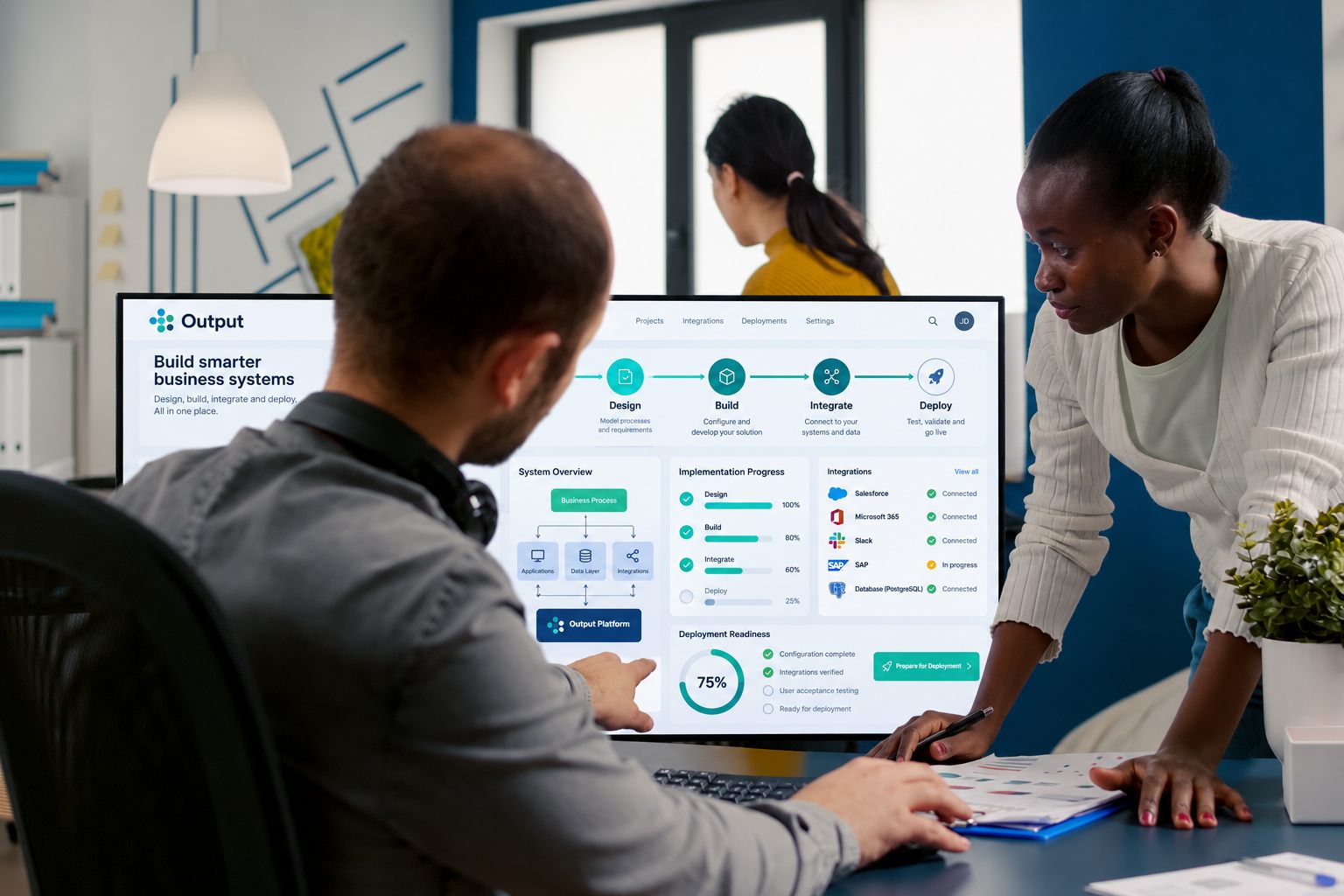
Once the opportunity is clear, we design the system around the business requirements, existing workflows, and the people who will use it. The objective is to create something intuitive enough to fit naturally into day-to-day operations rather than forcing employees to completely change how they work.
Depending on the business, the solution could include internal dashboards, AI assistants, automated workflows, customer interaction systems, document processes, reporting tools, scheduling systems, billing workflows, knowledge systems, or connections between existing applications.
We involve key stakeholders throughout the build so the system reflects how the business actually operates. Their feedback helps us refine workflows, information requirements, permissions, user experience, and how the system should behave in real situations.
Testing is built into the process before deployment. We review workflows, integrations, AI responses, permissions, error handling, and other important components to make sure the system performs as intended.
Integration is also a major part of the build. Wherever practical, we connect the system with the software the business already uses so information can move more efficiently between tools such as Microsoft 365, Google Workspace, QuickBooks, Xero, HubSpot, Salesforce, Notion, Monday.com, Slack, Calendly, Zoom, Stripe, and other business applications.
Throughout the build, we also consider security, privacy, access controls, and responsible data handling based on the information and systems involved.
03. Deploy, Manage & Improve

Once the system has been tested and approved, we deploy it into the business and support the transition into everyday use. The focus is not simply on launching the technology, but keeping the dots connected by and making sure it becomes a practical part of how the business operates.
Deployment can include final configuration, user access, integration setup, workflow activation, data connections, documentation, and adjustments based on early feedback from the people using the system.
After launch, the system can continue to be monitored and managed as the business changes. APIs evolve, software is updated, employees change roles, workflows develop, and new opportunities for improvement often become visible once the system is being used in real operations.
Ongoing management can include:
- Monitoring integrations and workflows
- Troubleshooting technical issues
- Updating AI instructions and approved knowledge
- Managing user access and permissions
- Adjusting workflows as processes change
- Updating integrations when third-party tools change
- Improving system performance
- Adding new functionality where appropriate
- Reviewing recurring issues and opportunities
- Supporting the system as the business grows